Hotel Lobby Studio
Two-photo video studio for the Hotel Lobby AI trend.
Hotel Lobby Studio
Upload one clear photo of each person. Your two take the orange stage.
Your two photos
One clear, front-facing subject per photo.
Generation mode
Quick costs 40 credits per video. Credit packs start at $5.
Cost 40 credits
Sign in to upload photos and generate. Videos use paid credits; packs start at $5.
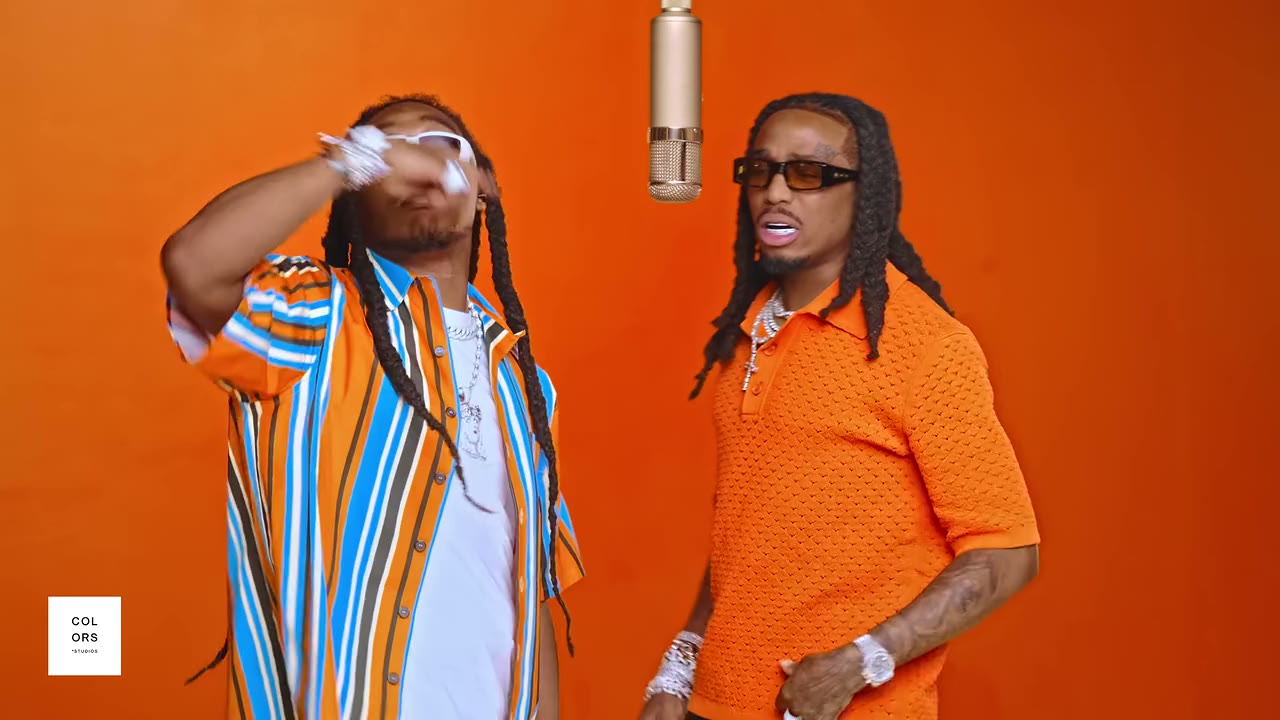
Your video will appear here
Recent generations
No videos yet — generate your first Hotel Lobby clip.
How to Make a Hotel Lobby AI Video
Three steps, no editing skills needed.
Upload two photos
Pick one clear, front-facing photo for each person. Single-subject shots work better than crowded group pictures.
Full Character treatment
Both people are generated from your photos — faces, hair and outfits — then animated in the original scene.
Generate and share
Your 10-second clip is ready in a few minutes. Download it and post it to TikTok, Reels or Shorts.
What People Make With Hotel Lobby AI
The pairs people keep sending to the booth.
Best friends and group chats
Drop the two loudest people in the chat into the booth.
Couples and anniversaries
A ten-second surprise that beats another selfie.
Pet accounts
Serious-faced cats performing is most of the trend's appeal.
Birthdays and roasts
Put the birthday person next to someone they would never share a stage with.
Creators and meme pages
Ride the trend with pairs your audience already knows from your content.
Hotel Lobby AI FAQ
Photos, modes, timing and what happens to your pictures.